
Start Sword’s personalized physiotherapy from home
The Sword Summary Warm-up
Don't have time for the full workout? Here's the quick version.
- Neck pain from desk work is usually about load, posture, and repetition, not structural damage.¹ ²
- The biggest contributors are often screen height, head position, keyboard and mouse placement, and how long you stay still.¹ ²
- Small workstation changes and more movement through the day can make a noticeable difference.³ ⁴
- If those changes are not enough, physiotherapy can help you understand what your neck is reacting to and what may help it feel less overloaded.
Why desk and computer work can strain your neck

Desk work asks your neck to do something it does not particularly enjoy: hold the same position for long stretches while your eyes and hands stay busy. That is why the pain often creeps in slowly. You lean in to read, your head drifts forward, your shoulders round, and by the end of the day your neck feels tight, tired, or stiff.
That does not usually mean anything is damaged. More often, it means your neck muscles have been working harder than they should to support the weight of your head in a less efficient position. When your head sits over your shoulders, the load is easier to manage. Once it moves forward, the work rises quickly.¹
What makes desk work especially good at provoking this pattern is repetition. The posture may not look dramatic, but if you repeat it for hours every day, the strain adds up. That is why even a mild setup problem can start to feel significant by late afternoon.²
The habits and postures that drive the most pain
Not all desk-work habits create equal amounts of strain. Some are far more significant contributors to neck pain than others. Understanding which ones are affecting you gives you specific things to change.
- Head position relative to your screen: This is the biggest driver. A screen that is too low forces you to look down, tilting your head forward and down simultaneously. Even a screen that is at eye level but positioned too far away will pull your head forward as you try to read. The further your head moves ahead of your shoulders, the more your neck muscles must work. This single factor probably accounts for the majority of desk-related neck pain.
- Keyboard and mouse position: When your keyboard is too high or your mouse is too far away, your shoulders stay elevated and your upper back stays rounded. That rounded posture chains down to your neck. Your shoulders pull up, your chest collapses inward, and your head naturally drifts forward to compensate. If you are reaching or stretching to use your keyboard or mouse, you are also creating constant low-level tension in your neck and shoulders.
- Lack of movement: Sitting still in any position, even a perfect one, will eventually irritate your neck. The joints and muscles need to move through different ranges of motion throughout the day. When you stay locked in a single posture for hours, the tissues around your neck get stiff and irritable. This is why small, frequent movements matter more than a single perfect position.
- Phone and device habits: If you prop your phone against your monitor and look at it throughout the day, you are creating yet another reason to tilt your head. If you use your laptop as your primary monitor and type on the built-in keyboard, your screen is automatically too low and too close, and your arms are forced into a compromised position. These habits are easy to miss because they feel normal, but they add significantly to the load.

- Upper back posture: Your neck does not work in isolation. When your upper back is rounded (what physiotherapists call kyphosis), your head naturally moves forward to keep your eyes level. The more rounded your upper back, the more your neck must compensate. This is why addressing upper back posture is essential for resolving neck pain.
The good news: all of these are changeable. Understanding which ones are most relevant to your specific situation gives you clear levers to pull.
Practical workstation changes that can prevent neck pain
You do not need a perfect ergonomic setup to reduce pain. Most people get the biggest benefit from a few practical changes.
Your monitor should usually sit so your eyes land around the upper third of the screen when you look straight ahead. Your keyboard and mouse should be close enough that you are not reaching. Your shoulders should feel relaxed rather than lifted while you type. If you use a laptop all day, raising the screen and adding an external keyboard and mouse is often one of the most useful changes you can make.² ³
Your chair matters too, though perhaps not in the dramatic way people expect. If it allows you to sit with your feet flat on the floor and your lower back supported, that usually gives the rest of your spine a better starting point. Lighting can also play a role. If you keep leaning in to see, the issue may not just be posture. It may be glare or screen brightness.
Tactics to improve reduce neck pain from office work
- Raise your screen so you are not looking down for hours.
- Keep your keyboard and mouse close enough that your shoulders can stay relaxed.
- Use an external keyboard and mouse if you work on a laptop.
- Check for glare or text that is too small and pulling you forward.
- Stand up or walk for a few minutes every couple of hours.³ ⁴
These are not minor details. They change the amount of work your neck has to do all day.
Movement is the best medicine for reducing neck pain

A better workstation helps, but it rarely solves everything on its own. Your neck still needs variety. That is why short movement breaks can be so effective. A few slow turns side to side, gentle shoulder rolls, or a brief walk can interrupt the static posture that keeps the irritation going. The point is not to do a full exercise session at your desk. The point is to stop your neck from getting stuck in one position for too long.³ ⁴
For some people, posture resets help as well. Sitting taller, letting the shoulders drop, and taking a deep breath once an hour may sound simple, but it is often enough to break the build-up before it turns into pain.
When desk-related neck pain needs more than a workstation fix
In many cases, workstation changes and more movement help within a few weeks. But sometimes the pain keeps hanging around. If you experience any of these more serious symptoms, you should escalate your care and seek professional help quickly:
- If the pain radiates into the arm or hand
- if you notice tingling or numbness
- if your neck feels stiff before the workday even begins
- if the symptoms have been present for more than several weeks despite your own efforts
Pain that starts as a desk problem can turn into a broader pattern if the muscles, joints, and movement habits underneath it are never properly addressed.² Another clue is when the pain begins spilling into the rest of life. If it is affecting your sleep, your concentration, or your confidence in moving normally, the problem has gone beyond a workstation tweak.
Physiotherapy can help you prevent back pain
When neck pain from desk work keeps coming back, the issue is often bigger than your workstation alone. Your neck may be stiff in some areas, weak in others, or relying on movement patterns that leave it irritated by the end of the day.
That is where physiotherapy can help. A physiotherapist can assess what seems to be driving the neck pain, which movements or positions are aggravating it, and what kind of strength, mobility, or support work may actually help rather than keep the cycle going.³
For many people, that is the turning point. Instead of endlessly adjusting their chair, stretching at random, or hoping tomorrow will feel better, they finally understand what their neck is reacting to and how to calm it down.
How Thrive physiotherapy gives you 24/7 care from home
If your neck pain keeps returning, physiotherapy can likely help you reduce and prevent the pain more effectively than if you just try to manage your symptoms yourself. A physiotherapist will seek to pinpoint the reason your back pain is happening. That usually starts with listening to your history and then assessing how you walk, bend, rotate, and load your spine and hips. They may look at your strength, flexibility, balance, and your response to the symptoms.
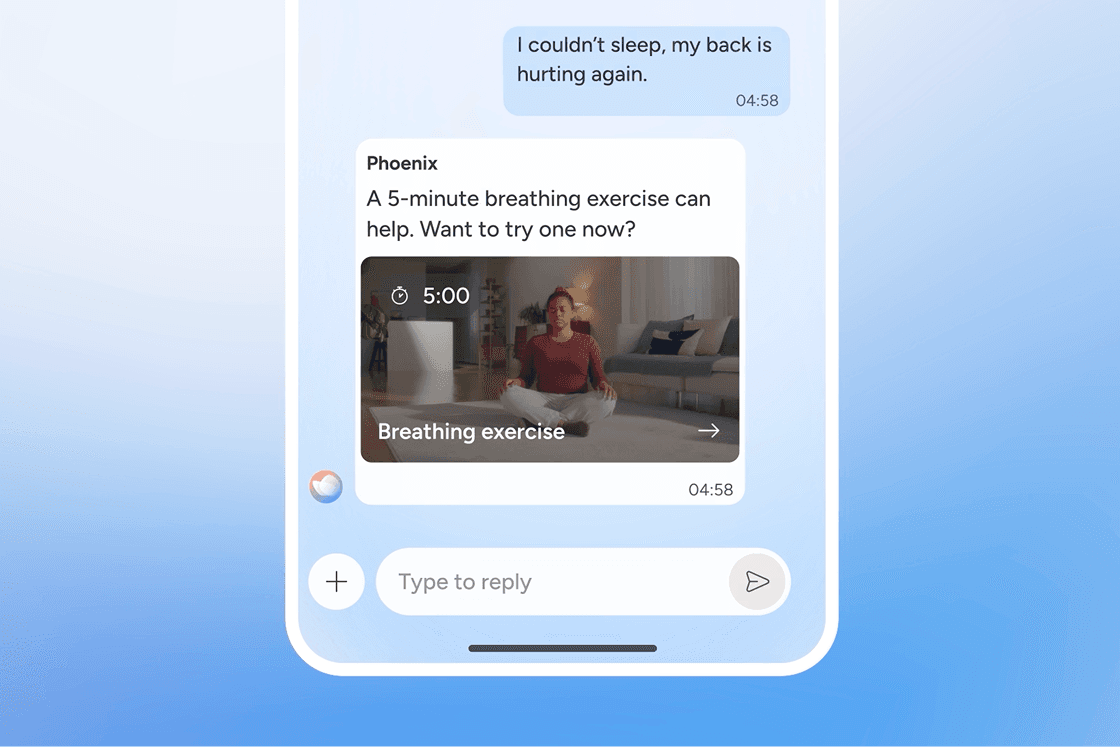
Traditional physiotherapy requires you to travel to an in-clinic appointment during the day. For many people, it's hard to juggle work and family priorities to schedule in a session at these times, then commute to a busy clinic. You really need help in the moment when the pain and discomfort peaks. That is where Sword's personalized 24/7 care plans are so effective.
Sword is a from-home physiotherapy program designed to support you when pain gets in the way. If you’ve been waiting for a referral, stuck in a cycle of missed follow-ups, or told to just live with it, Sword offers a better way forward.
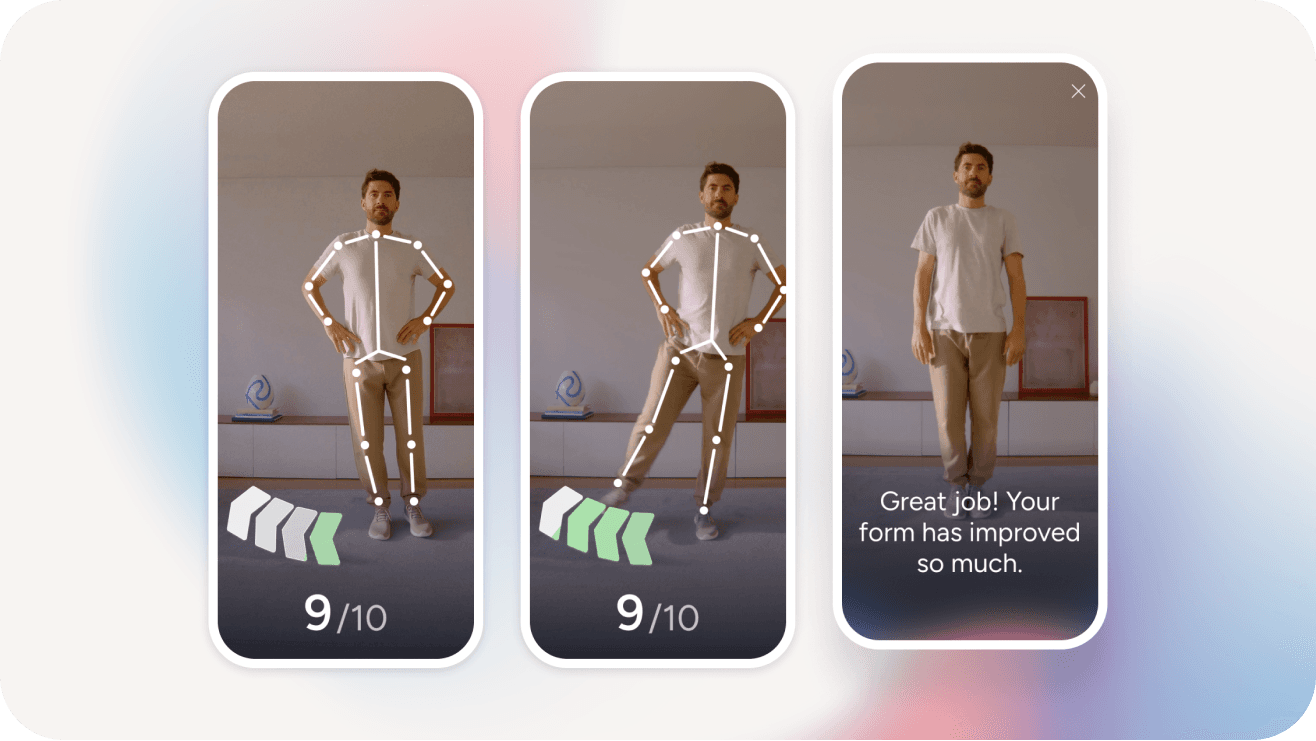
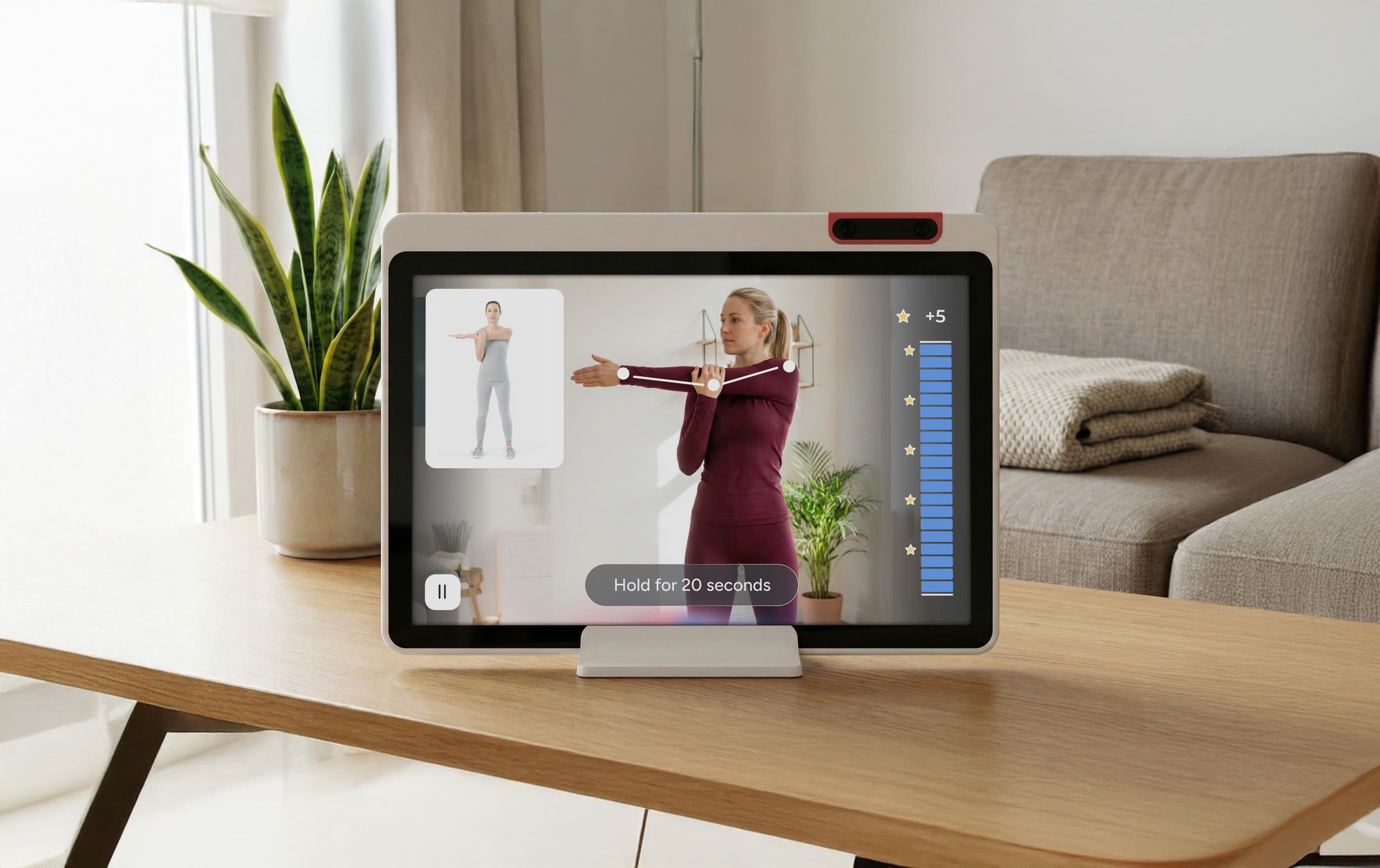
Created by clinicians and degree-qualified physiotherapists and powered by motion sensing cameras and AI technology, Sword is a clinically validated recovery program that you can access at any time and from any place. That means you can complete your program on your schedule without the need to book appointments or commute to a busy clinic.
What getting better with Sword actually looks like
There is published evidence behind Sword Health’s approach to chronic pain, too. In a randomized controlled trial published in npj Digital Medicine, Sword’s physical pain care produced improvements in disability and pain that were comparable to evidence-based, high-intensity in-person physiotherapy. The digital care group also had a significantly lower dropout rate.⁵
Recovery does not only happen during a scheduled appointment. With Thrive, care continues between check-ins, adapts as you progress, and is available when you are ready to move. That easier rhythm helps explain why Thrive members complete their programs at a rate of 81%.⁸
Traditional in-person physiotherapy can be hard to keep up with. Half of people stop after just four sessions, often not because the care cannot help, but because scheduling, travel, cost, and daily life get in the way.⁹ When care fits into your routine, it becomes easier to keep going.
And when you keep going, progress can build. Thrive user data shows that 69% of members are free of limiting pain after completing their care program.⁷
Reduce your neck pain and bring your best self to work
Desk-related neck pain changes more than the end of your workday. It can affect how long you stay focused, how much you trust your body to keep up, and how much tension you carry into the evening.
The right support can start reversing that. Sometimes the first shift is small: less tightness by late afternoon, or fewer moments when turning your head feels restricted. Then your posture feels easier to hold. Then work stops feeling like the thing that is always setting your neck off. Progress rarely arrives all at once, but it often begins with a neck that feels less reactive and a day that feels more manageable.
If your pain is limiting your life, it is worth understanding why. If pacing and movement changes are not enough, physiotherapy can help clarify what is happening and map out a better next step.
You deserve care that meets you where you are and moves with you toward where you want to be. Most Canadians with employer group benefits have physiotherapy coverage they have never touched. Not because they do not need it. Because the card sat in the wallet and the questions felt like too much to sort out before they had even started. If you are not sure whether your plan includes coverage for Sword, check your coverage now and you can get started on your recovery plan right away.
Start physiotherapy from home

Sources
- 1
Hansraj KK. Assessment of stresses in the cervical spine caused by posture and position of the head. Surgical and Radiologic Anatomy. 2014;36(9):867-874.
- 2
Paksaichol A, Janwantanakul P, Lawsirirat C, Pensri P. Physical risk factors for developing non-specific neck pain in office workers: a systematic review and meta-analysis. International Archives of Occupational and Environmental Health. 2017;90:373-410. Evidence from this review linked factors such as keyboard position, low task variation, and muscular tension with office-worker neck pain.
- 3
Johnston V, et al. Workplace-based interventions for neck pain in office workers: systematic review and meta-analysis. Physiotherapy. 2018;98(1):40-62. Moderate-quality evidence supported neck/shoulder strengthening for symptomatic office workers; evidence for ergonomic interventions was lower quality and mixed.
- 4
Akkarakittichoke N, Waongenngarm P, Janwantanakul P. The effects of active break and postural shift interventions on recovery from and recurrence of neck and low back pain in office workers: a 3-arm cluster-randomized controlled trial. Musculoskeletal Science and Practice. 2021;56:102451. Active-break and postural-shift interventions shortened recovery time and reduced recurrence in high-risk office workers.
- 5
Cui D, Janela D, Costa F, et al. Randomized-controlled trial assessing a digital care program versus conventional physiotherapy for chronic low back pain. npj Digital Medicine. 2023.
- 6
Sword Health member data, October 2024. 69% of members are free of limiting pain by end of program among those who start with moderate to severe pain.
- 7
Sword Health member base data, October 2024. 81% completion rate with AI physiotherapy.
- 8
Government of Canada. How publicly funded health care coverage works. Provinces and territories administer their own public health insurance plans and determine covered services beyond core insured hospital and physician care.
- 9
Sword Health, npj Digital Medicine, 2023. Proprietary Sword member base data.